Create your first booking page
From a verified account to a published page.
Steps
- 1
Create an account using Google, Apple, email verification or a supported phone number. Calendar access is a separate optional connection.
- 2
Confirm your business industry, name, operating country (United States or Canada) and time zone. Language does not set your country.
- 3
Save your first service, price, duration and available hours. For a solo business, choose Just me.
- 4
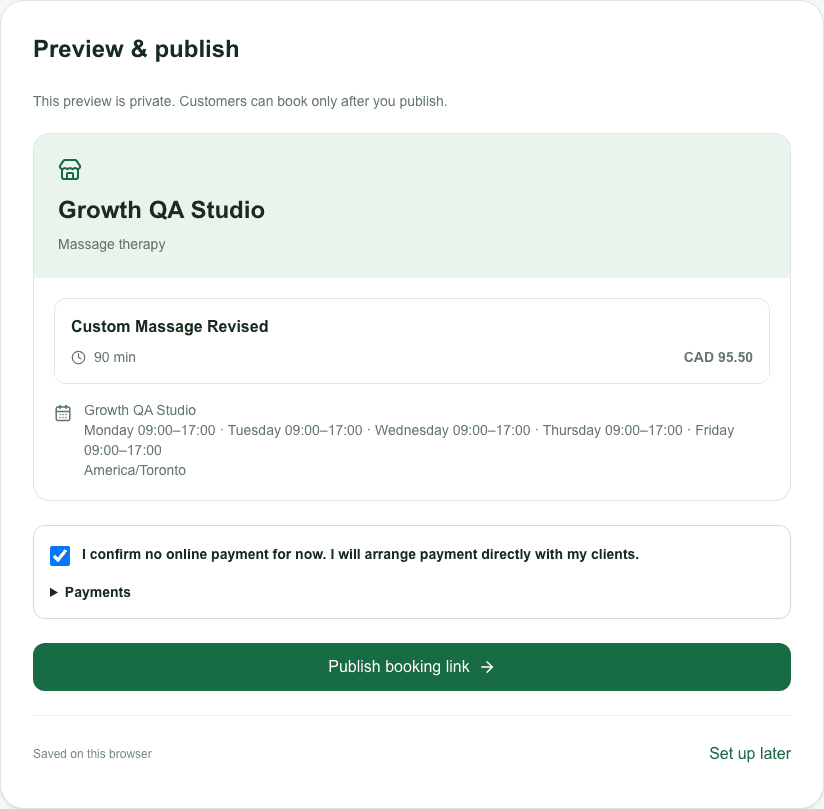
Preview your page. Confirm how you collect payment, including no online payment, then publish. Unfinished businesses remain private.