
Add or change a service
Use clear names, prices and appointment lengths.
Steps
- 1
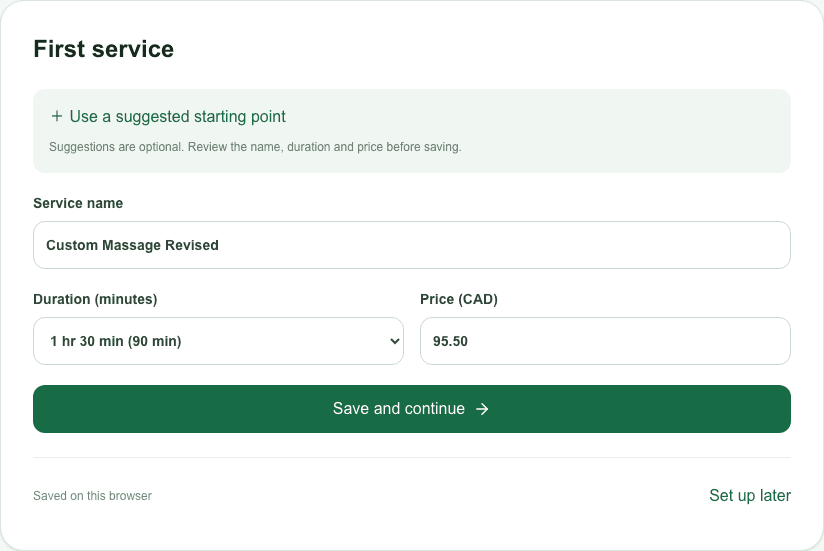
In setup, enter a service name, duration and price. Industry suggestions are optional and must be confirmed.
- 2
After publishing, open the merchant dashboard → Services. Check that the service and its provider are active and available for online booking.
- 3
Open your customer booking page to verify the saved service. Editing a template is not the same as publishing it.