
Change business hours and time zone
Confirm the local time where you provide services.
This guide is currently available in English.
Steps
- 1
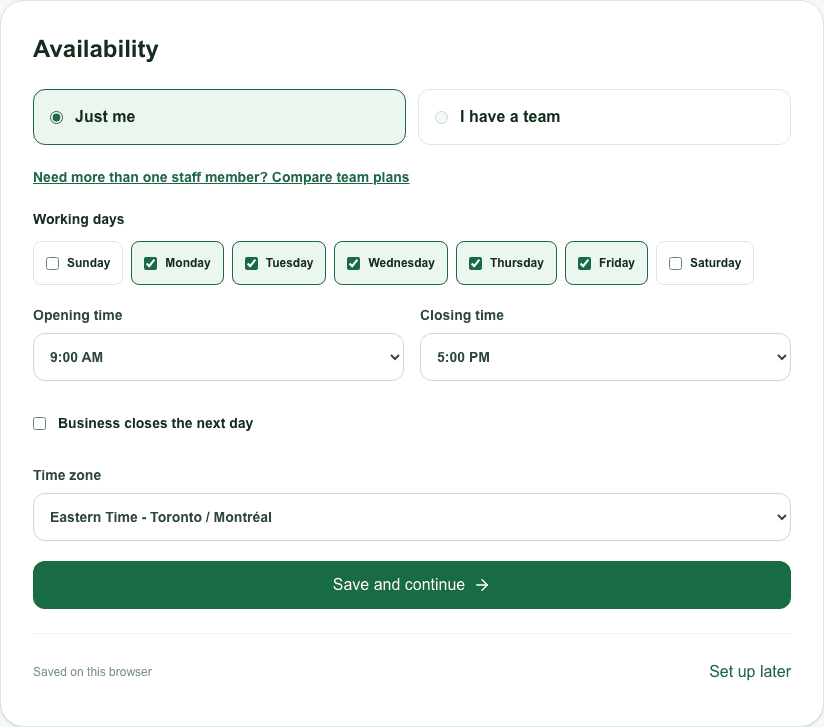
During setup, choose working days, opening/closing times and your business time zone. Mark an overnight schedule only when the closing time is on the following day.
- 2
After publishing, use the dashboard schedule and staff availability settings. An unavailable provider, leave or an existing appointment may remove a slot.
- 3
Check the customer page using dates around a daylight-saving change if your time zone observes it. Confirm the date and zone before sharing.