Share your booking page on Facebook
Add a website link; use a suitable action button if your Page offers one.
This guide is currently available in English.
Steps
- 1
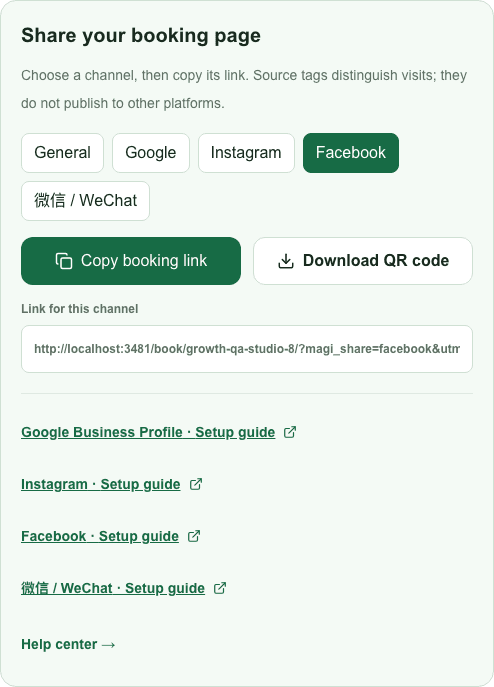
Choose Facebook in the MagiBooking share tools and copy the channel link.
- 2
Switch into the business Page you manage. Use its profile/about or contact information to add the website URL.
- 3
If your Page offers an editable action button that accepts a website link, configure a suitable booking action. Button availability varies.
- 4
Check the public Page and click through as a customer. Confirming a copy or tutorial view does not prove that Facebook placement succeeded.