Share your booking page on Instagram
Use your profile link and check it as a customer.
This guide is currently available in English.
Steps
- 1
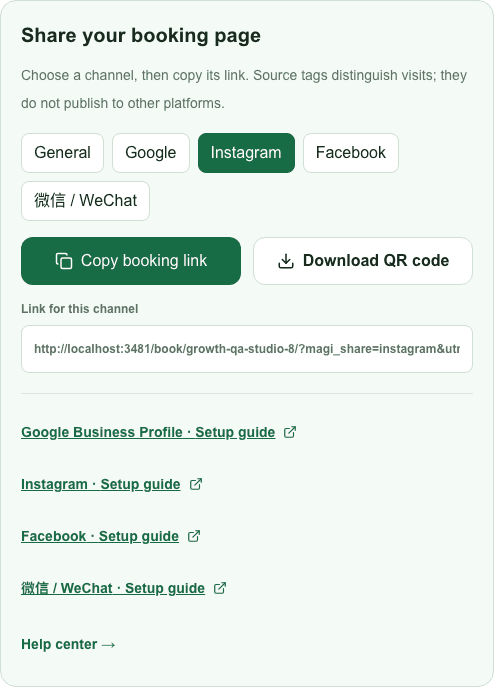
In MagiBooking sharing tools, choose Instagram and copy that channel link.
- 2
In the Instagram mobile app, open your profile and Edit profile. Find Links or Add external link, enter the URL and an appropriate title such as Book an appointment. Labels vary by app version.
- 3
Save and open your profile from another account or browser. Verify the link opens your published booking page.
- 4
Use your posts to point to the profile link. Do not assume a URL typed into every caption will be clickable.