Mobile Service Business industry example

Booking for US businesses

Mobile Service Business Booking Software for US Businesses

Booking software for mobile service business businesses in the US. Create a short assessment service when the job scope cannot be priced reliably online. Explore service setup, staff availability and your direct booking link.

Page focus

Mobile Service Business booking

For owners and teams operating mobile service business businesses in the United States.

  • Merchant dashboard
  • Service duration and pricing
  • Service-to-staff assignments
  • Staff hours and calendar

Full guide

Shape appointments around the actual work

Create a short assessment service when the job scope cannot be priced reliably online.

Publish only the appointment types that can be fulfilled in the stated service area and working hours.

Keep travel, parts availability and job acceptance checks in the team’s operating process; the booking page is not a dispatch optimizer.

Service-menu configuration examples

Initial assessment, service visit and follow-up

  • Try an assessment appointment before exposing an open-ended repair job as a fixed-price service.

Before sharing the booking page

Check the business timezone, service durations, staff assignments, active schedules and cancellation or rescheduling policies. Check payment setup separately if collecting online deposits.

Help US business owners get started

Start with the services you use most often, then add the rest of your staff and menu. The illustrated getting-started guide walks through services, schedules and your booking link.

Common booking challenges

  • Appointments arrive through messages, calls and walk-ins.
  • Service durations, assigned staff and working hours must agree.
  • Try an assessment appointment before exposing an open-ended repair job as a fixed-price service.

What MagiBooking helps improve

  • Create a short assessment service when the job scope cannot be priced reliably online.
  • Publish only the appointment types that can be fulfilled in the stated service area and working hours.
  • Keep travel, parts availability and job acceptance checks in the team’s operating process; the booking page is not a dispatch optimizer.

Merchant-controlled · privacy-first booking

Your Business. Your Customers. Your Data. Your Money. Your Rules.

MagiBooking is not a lead marketplace. It gives local service businesses a branded booking channel, portable customer records, consent-based direct communication, merchant-directed payments, and clear privacy controls.

No lead marketplacePortable customer dataConsent-based outreachNon-custodial merchant payments

Keep the direct relationship

Customers book through your business link, not a competing-services marketplace. The merchant keeps the business record while customers keep their privacy rights.

Move and control your data

Import supported CSV or Excel records through quarantine, preview, mapping, deduplication, merchant confirmation, and an auditable commit.

Communicate with consent

Offer phone, SMS, email, WhatsApp, Telegram, or Signal where you choose. Each channel remains subject to customer permission and its own privacy model.

Choose how you get paid

Use Stripe or supported merchant-directed methods, including cash, Zelle, Venmo, Cash App, and verified USDT/USDC ERC20 wallets.

Protect the workspace

Business isolation, role-based staff access, consent records, audit trails, privacy requests, wallet verification, and clear operating boundaries protect daily work.

Privacy and control are product rules, not paid add-ons

Every plan preserves merchant data portability, consent controls, privacy requests, and clear payment boundaries. Customers still retain access, correction, export, deletion, and consent rights where applicable.

No marketplace commission. No new-client fee. No per-booking MagiBooking platform fee.

Published subscription, SMS package, and additional-staff charges may apply. Card and wallet payments are processed by Stripe and remain subject to Stripe processing fees, review, payout timing, and terms.

Industry solution preview

Booking page, service menu, and staff calendar shaped around this workflow

Top pain points

  • Appointments arrive through messages, calls and walk-ins.
  • Service durations, assigned staff and working hours must agree.
  • Try an assessment appointment before exposing an open-ended repair job as a fixed-price service.

How MagiBooking helps

  • Create a short assessment service when the job scope cannot be priced reliably online.
  • Publish only the appointment types that can be fulfilled in the stated service area and working hours.
  • Keep travel, parts availability and job acceptance checks in the team’s operating process; the booking page is not a dispatch optimizer.

Example service menu

Merchant dashboard · 45 minBook
Service duration and pricing · 45 minBook
Service-to-staff assignments · 45 minBook

Example backend calendar

09:00Deposit paid

Mia Chen

Merchant dashboard

10:30SMS sent

Sarah Park

Service duration and pricing

13:00Balance due

Grace Liu

Service-to-staff assignments

Stripe / Cash status Reminder queue
Explore this industry's website example ↗Read the illustrated services, schedules and booking-link guide →

Booking workflow

Set up the pieces customers need before booking

Each page connects services, staff, reminders, payments, client records, and booking links so merchants can publish a usable appointment flow faster.

Merchant dashboard
Service duration and pricing
Service-to-staff assignments
Staff hours and calendar
Direct merchant booking link
Email or SMS notices as configured

Launch steps

How to launch

Step 1

Create a free merchant account, select your industry and add bookable services.

Step 2

Assign services to staff and check working days, durations, buffers and policies.

Step 3

Review services, staff and available times on a phone before sharing your link or QR code.

How this helps bookings work

  • Start on Free; check current pricing for staff seats and SMS allowances.
  • Pay-in-store and optional online payments have separate setup; deposits require the appropriate payment configuration.
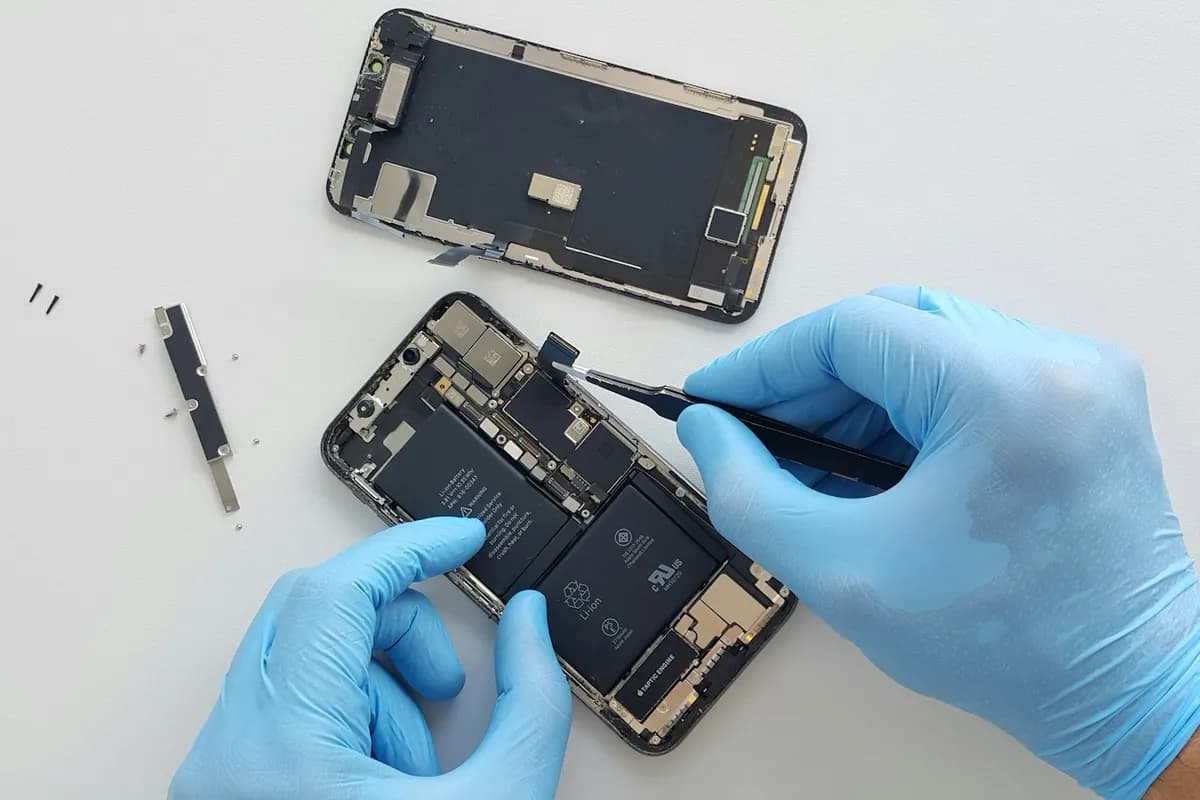
  • Industry images illustrate the use case and do not represent verified customer results.

FAQ

Common questions

How should a mobile service business configure services?

Use examples such as Initial assessment, service visit and follow-up to organize your own menu, then enter real durations, prices and eligible staff.

What should the owner check first?

Try an assessment appointment before exposing an open-ended repair job as a fixed-price service.

Do customers need to use the merchant dashboard?

No. Owners manage the business in the merchant dashboard; customers select services and times through the business booking page.

Can I also build a business website?

Explore the matching BookingSiteBuilder example. Website services and MagiBooking operations have their own scope and pricing.

Turn online visitors into real appointments

Connect services, staff, reminders, payments, and Google links so customers can move into a clear booking flow.