Add your link to Google Business Profile
Copy your Google-tagged booking link, then verify the public result.
This guide is currently available in English.
Steps
- 1
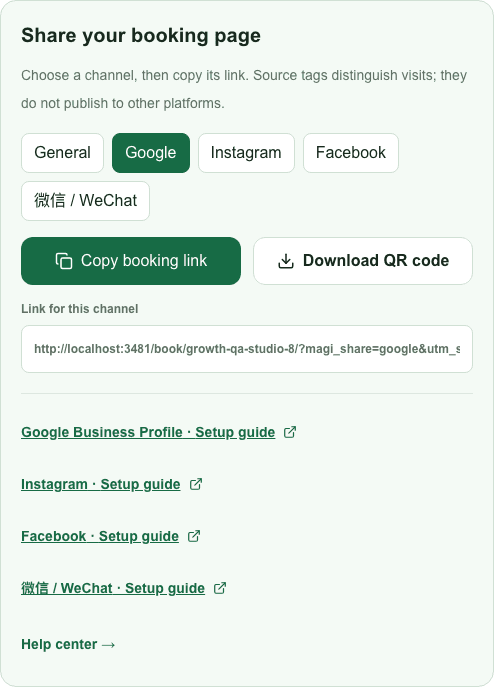
Publish your MagiBooking page. In Share your booking page, choose Google and copy its link.
- 2
Open the Google Business Profile you manage. In Search, look for Booking; in Maps, use Edit profile and the available booking-link option.
- 3
Add your link and save. Availability and review are controlled by Google; a manually added link does not guarantee a Reserve with Google button.
- 4
Inspect the public profile from another browser, then open the link and check the correct service, country and time zone. A copied link alone does not confirm placement.